A new post every Monday
We ship something on Guap most days, and most of it is easy to miss. So from today, every Monday, we write down what changed in the week before: what is new, where to find it and what it does for you. Short, and only things you can use.
This week the big one is Guappy.
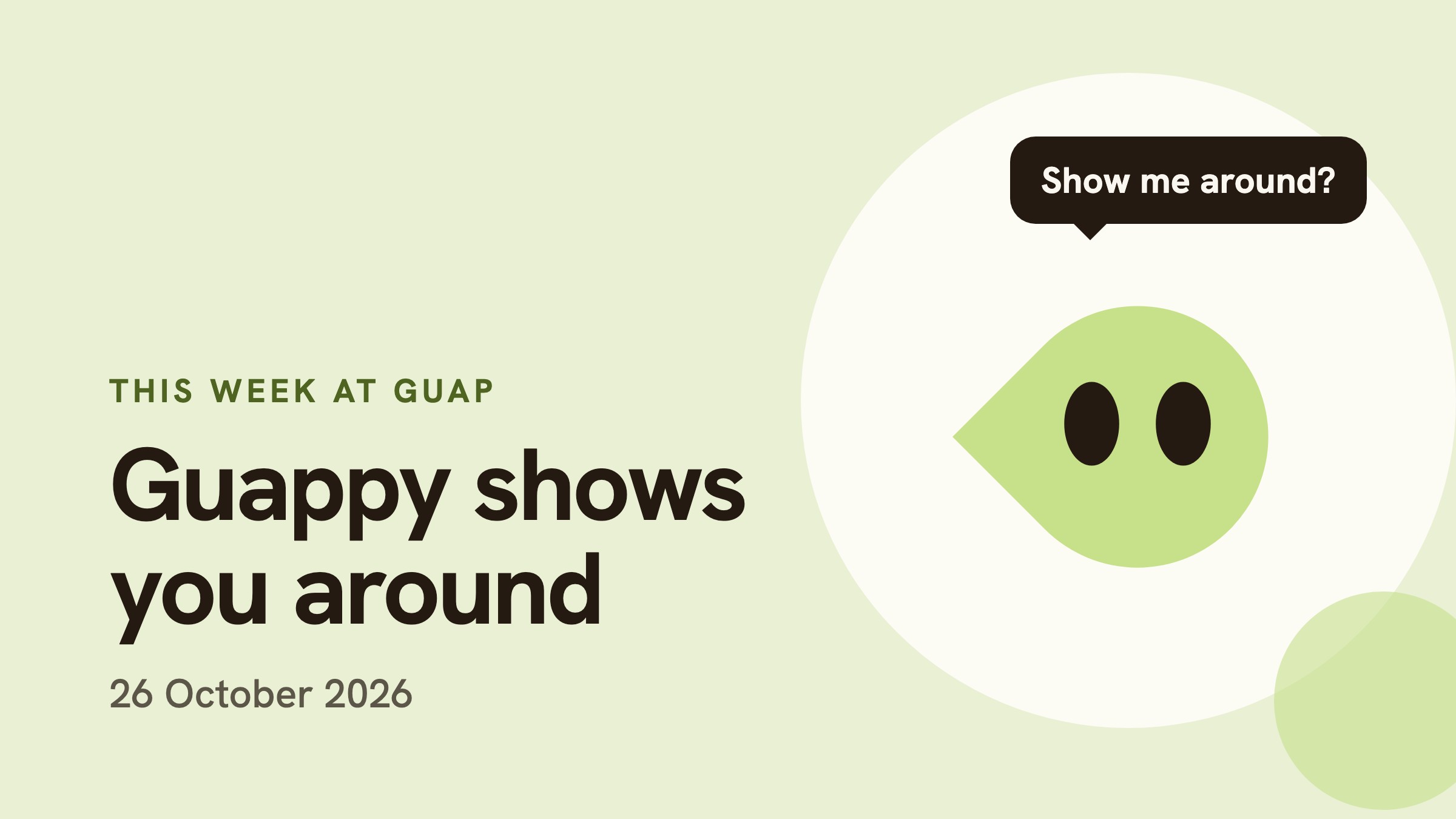
Meet Guappy, your guide to Guap
Guappy is the little lime drop in the top bar, the one you click to send us feedback. He now also gives you a guided tour of the whole app.
Click Guappy and choose Show me around. On your first visit he also asks if you want the tour. He waits for your click, and nothing starts on its own.
Then he flies. He goes to each part of each page, scrolls the page as he goes, and explains what that part shows and what you can do with it, in two short sentences at most. The rest of the page goes dark around the part he is talking about, so you always know where to look.
The tour has eight chapters:
- Welcome: the map of the tour, the bottom bar, News, Barista and your account menu.
- Jobs: search, Open Market and For you, sort, filters, your match score and a job page.
- Saved: the jobs you kept, and what a closed role means.
- Brewing Process: your stages, the calendar and Needs you.
- Messages: your chats with companies and how to reply.
- Profile: profile strength, importing your CV or LinkedIn, application answers and the CV check.
- Settings: credits, Barista, AI assistance, security codes, connected AI apps and your data.
- Bonus: the First Sip perks.
Go at your own pace
- The map shows every stop on the tour. Click any stop to jump straight there, so you can come back later for the one thing you forgot.
- Next and Back, or the right and left arrow keys, move you through the stops.
- His voice is a small blip per letter. You can mute it, and Guap remembers.
- Text speed and size are yours to change, from the bubble itself.
- Close it any time with the X. Guappy flies back to his spot in the top bar, and the next time you open the guide you can carry on where you stopped.
If you tell him you are between 16 and 24, he also opens a small, silent focus video in the corner to keep you company. Click it to pause, drag its corner to resize it, or close it.
Guappy shows, you do
One rule we held the tour to: Guappy never does anything for you. He opens pages and panels so you can see them, like the filters or your account menu. He never applies, saves a job, sends a message, spends credits or changes a setting. Every one of those stays your click.
The guide is on now for First Sip members, our early members club, and it comes to everyone next.
Also this week
- Filter jobs by place and pay. On the jobs page, Filters now take a country and a city, and a minimum yearly salary. A job with more than one location shows up if any of them match. You asked for this one in your feedback.
- Fit to length in Fix my CV. If your CV runs longer than it should, Guap proposes what to cut to bring it down to whole pages, measured on the rebuilt PDF. You see every cut first and can untick any of them.
- No more "I" in your summary. Fix with Guap now rewrites a summary or headline written in the first person.
- Skills you never use. A new card lists the skills on your CV that none of your bullets back up, so you can decide which to keep. Guap only suggests removing them, and it never adds them to your bullets.
- The same cards in Barista. All three are on the web now, and they come to Barista with its next update.
- Four reports on the blog. We read the Trustpilot reviews of LinkedIn, Indeed, Glassdoor and Naukri, and wrote down what job seekers keep running into and what Guap does about each.
Next week
Guappy is learning his way around Barista, our browser extension, so he can give the same tour there. We will tell you here when it is ready.
Something you want us to build, or something that broke? Click Guappy and tell us. We read every message.